



BGM Tempo (BPM) and Mood: How to Pick the Right Speed for Your Scene
When choosing background music, many people focus on genre and instruments, but the tempo (BPM) matters just as much. BPM stands for beats per minute. A track at BPM 100 has 100 beats every minute.
A Rough Guide to Mood by BPM
| BPM | Mood | Good for |
|---|---|---|
| 60–80 | Slow, tender, calming | Night scenery, Soothing music, under narration, flashbacks |
| 80–100 | Relaxed, gentle, everyday | Daily vlogs, cafés, strolling through town, Heartwarming scenes |
| 100–120 | Light, upbeat, positive, walking pace | Travel, introduction videos, RPG field maps |
| 120–140 | Bright, energetic, exciting | Product introductions, Sports, parties, openings |
| 140–170 | Driving, tense, Fired Up | Battles, racing, action games |
| 170+ | Intense, urgent | Boss fights, climaxes, Chiptune |
What people perceive as “walking pace” is roughly BPM 100–120. Tempos of 60–80, close to a resting heart rate, feel calming, and the faster the tempo gets beyond that, the more excited the listener feels.
Note: BPM Alone Doesn’t Decide the Feel
Two tracks with the same BPM can give very different impressions.
- Tracks that subdivide the beat: Even at BPM 80, if the drums play busy sixteenth notes, the track feels fast.
- Tracks that feel like half the tempo: Even at BPM 160, if a slow, flowing melody is stretched out over it, the track feels calm.
So treat BPM as a starting point and be sure to listen to the track. Each track page on Otomusu includes measured values such as tempo (BPM), key and intro length, taken from an audio analysis (“Audio Analysis”) of the sound itself. Use them as a clue when choosing.
Choosing a Tempo from Your Scene
- Syncing with video cuts: You can calculate the length of one beat from the BPM. At BPM 120, one beat is 0.5 seconds and one bar (4 beats) is 2 seconds. If you make your cuts one or two bars long, the visuals and music fit together pleasantly.
- Adding narration: Slow tracks at BPM 60–100 are less likely to clash with a voice.
- Game battles: Tracks at BPM 140 or higher create tension. For scenes that play for a long time, though, a medium tempo is easier on the ears and less tiring.
Tricks for Using a Track Whose Tempo Doesn’t Fit
If you love a track but its tempo doesn’t match your scene, you have a few options.
- Change the speed slightly in your editing software: Within about ±5%, it’s unlikely to sound unnatural. Large changes alter the pitch and tone.
- Use only part of the track: Cut out just the section that suits your scene, such as a calm part or a building, exciting part.
- Adjust the length with a BGM loop tool: With the BGM Loop & Medley Maker, you can smooth the transition points of a track and set it to any length you like.
Summary
- BPM is the number of beats per minute. 80–100 is gentle, around 120 is upbeat, and 140 or more feels driving.
- Don’t rely on BPM alone; listen to the track and decide.
- For cut timing, match the length of one bar and the video and music will click together.
- When a track doesn’t fit, use only part of it, change the speed slightly, or adjust it with a loop.
For more on choosing by scene, see How to Choose BGM by Video Genre and How to Choose BGM for Each Game Scene.
Tracks mentioned in this article
Press ▶ to listen, or open a track to download it for free.
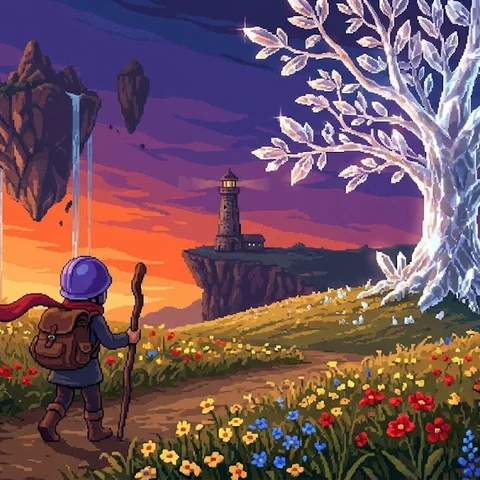
ピクセル勇者の冒険
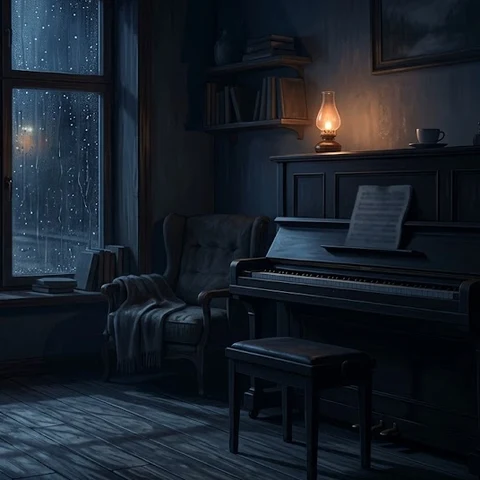
雨音だけが知っている
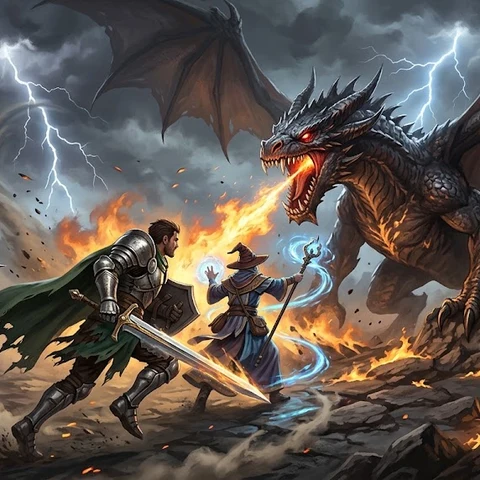
疾風のバトルフィールド
Terms of use for the assets
- Free
- No registration
- Commercial use OK
- Edits OK
- Credit optional
- No usage report needed
See the terms of use for details.
Related articles
- How to Add Sound Effects to Video: Scene Transitions, Emphasis and On-Screen Text
- How to Find Music and Pixel Art for Seasonal and Holiday Videos: Spring, Summer, Autumn, Winter, Christmas and New Year
- How to Choose Opening BGM for Your Videos: Hook Viewers in the First 5–10 Seconds
- How to Add BGM in Video Editing Software: Audio Track Basics (DaVinci Resolve, Premiere Pro, CapCut)