



How to Find Music and Pixel Art for Seasonal and Holiday Videos: Spring, Summer, Autumn, Winter, Christmas and New Year
Seasonal and holiday videos come around at the same time every year, so a little preparation pays off for a long time. But if you only start looking once the date is close, you often run out of time.
This article introduces how to choose the right music and artwork for each season (spring, summer, autumn and winter) and for annual events. It also covers tips for preparing early.
The mood of a season comes from sound and color
The feeling of a season comes across strongly through the combination of music and the colors on screen.
| Season | Sound mood | Color mood |
|---|---|---|
| Spring | Bright, light, gentle | Pink, light green, pale yellow |
| Summer | Lively, energetic, strong rhythm | Blue, white, bright yellow |
| Autumn | Calm, mellow, a little nostalgic | Brown, orange, deep red |
| Winter | Quiet, warm, sparkling sounds | White, blue, red and green (for holiday scenes) |
When the mood and the colors match, viewers feel the season right away.
Spring: school entrance, cherry blossom viewing, new beginnings
- Music: Bright, refreshing tracks. Tracks that suggest a fresh start work well. For example, “An Entrance Morning of Falling Sakura” evokes a school entrance ceremony in Japan and is easy to use in spring videos.
- Assets: Cherry blossoms, Hinamatsuri (Japan’s Girls’ Day doll festival), items for a new life, and more. The Pixel Art Seasons & Events genre has assets organized by event.
- Good for: Entrance and graduation commemorative videos, records of cherry blossom picnics, introductions of new habits.
Summer: festivals, the sea, summer vacation
- Music: Lively tracks with a clear rhythm. For a summer festival atmosphere, a track like “Summer Festival Ska Parade” is a good candidate.
- Assets: Paper lanterns, goldfish, fireworks and so on (the “Summer Festival” group under Seasons & Events). Seaside assets are in the Beach & Seaside genre.
- Good for: Summer vacation memory videos, event announcements, videos that create a cool, refreshing feel.
Autumn: Halloween, moon viewing, the season of appetite
- Music: For Halloween, slightly playful, mysterious tracks. For moon-viewing or reading videos, calm tracks fit well.
- Assets: Jack-o’-lanterns, ghosts, witch hats and more (the “Halloween” group), plus the moon-viewing rabbit and similar items (the “Tanabata & Moon Viewing” group; Tanabata is Japan’s Star Festival and moon viewing is the autumn tradition of admiring the harvest moon).
- Good for: Records of costume parties, videos introducing autumn foods.
Winter: Christmas, the New Year season
- Music: For Christmas, bright, warm tracks with sparkling bell sounds. A track like “Winter Town Christmas Bells” fits. For a quiet winter day, something like “Kotatsu on a Snowy Morning” (a kotatsu is a Japanese heated table with a blanket), and for the end of the year, something like “New Year’s Eve Bells and the First Sunrise”.
- Assets: Christmas trees, snowmen, gift boxes and more (the “Christmas” group), and kagami mochi (a traditional New Year rice-cake decoration), osechi (traditional New Year dishes), kadomatsu (pine New Year decorations) and more (the “New Year” group).
- Good for: Christmas party invitations, year-end review videos, New Year greetings.
Other annual events
There are many more seasonal events.
- Setsubun (the bean-throwing festival; mamemaki, bean throwing, and ehomaki, the lucky sushi roll)
- Hinamatsuri and Tango no Sekku (Girls’ Day and Boys’ Day)
- Tanabata (the Star Festival)
- Shichi-Go-San (a traditional celebration for children aged three, five and seven)
- School events such as sports days and recitals (covered in Choosing BGM for School Events)
Event assets are grouped under the “Seasons & Events” genre, so you can search by the name of the event.
3 tips for preparing early
- Pick your candidates 1–2 months before the event: Closer to the date, you’ll want to spend your time editing the video.
- Save tracks and artwork as a set: If you keep the tracks and assets you like in the same folder, you can reuse them next year.
- Keep notes on the tracks and assets you use: Write down the track name, where you got it and the date you used it (we’ll cover how to keep records in a later article).
Things to watch out for when making seasonal videos
- Once the season passes, views drop: A Halloween video is hardly watched by November. Work backward to decide your publishing date.
- Sometimes it’s better not to overdo the seasonal feel: If you want a video that keeps getting watched over time, keep the seasonal elements subtle.
- Be mindful of regional and cultural differences: Customs for events can differ by region, so avoid declaring one particular way to be “correct”.
- Check the terms of use for assets: Read the Terms of Use beforehand.
Steps for finding seasonal BGM and assets
- Decide on the season or event for your video.
- In All Tracks, search with seasonal words (sakura, summer festival, snow, Christmas and so on).
- Listen to a few tracks and choose the one that fits the mood of your video.
- From Pixel Art, choose artwork that fits the event.
- Put them in your video and check the balance between sound and visuals.
Summary
- The feeling of a season comes across through the combination of music and color.
- Choose by knowing the mood of each season: spring, summer, autumn and winter.
- Start preparing 1–2 months before the event.
- Save tracks and assets together so you can reuse them next year.
As the next event approaches, start by picking just one track and one piece of artwork that suit the season. From there, the image of your video will start to grow.
Tracks mentioned in this article
Press ▶ to listen, or open a track to download it for free.
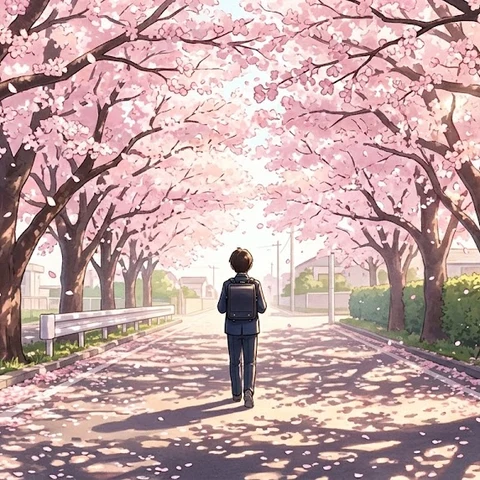
桜舞う入学の朝
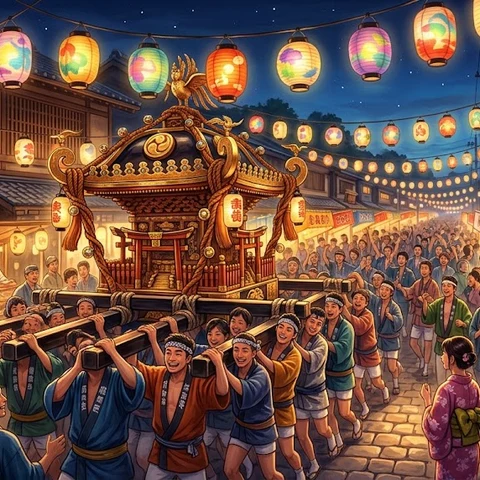
夏祭りのスカ・パレード
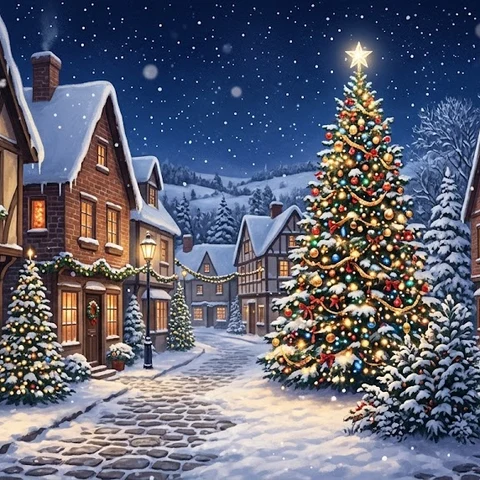
冬の街のクリスマス・ベル
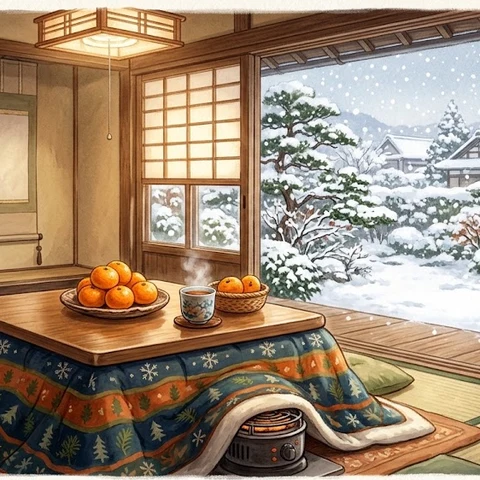
雪の朝のこたつ

除夜の鐘と初日の出
Pixel art mentioned in this article






Terms of use for the assets
- Free
- No registration
- Commercial use OK
- Edits OK
- Credit optional
- No usage report needed
See the terms of use for details.
Related articles
- How to Add Sound Effects to Video: Scene Transitions, Emphasis and On-Screen Text
- How to Choose Opening BGM for Your Videos: Hook Viewers in the First 5–10 Seconds
- How to Add BGM in Video Editing Software: Audio Track Basics (DaVinci Resolve, Premiere Pro, CapCut)
- How to Edit BGM to Fit Your Video: Cutting, Fading and Looping Basics