



Choosing BGM for School Events, Recitals and Sports Days: Best Genres and Tips for Each Moment
School events, kindergarten recitals, community gatherings and school festivals all offer plenty of moments where background music (BGM) helps. This article introduces the type of BGM that suits each moment, along with tips for using it well.
Recommended Music for Each Moment
Entrances and Openings
This is the moment that signals the start of the event and builds excitement. Tracks that are bright, with a clear rhythm work well. Fanfares, March, Pop and big-band-style tracks are the classic choices.
During Competitions and Games
Think of footraces at a sports day, game tournaments and quizzes. Tracks with a fast tempo that get everyone excited are a good fit. Just watch the volume so that commentary and announcements can still be heard.
Breaks, Lunch and Waiting Time
Play calm tracks that won’t get in the way of conversation at a low volume. Piano, Healing and bossa nova tracks are good choices.
Award Ceremonies and Closing Moments
Gorgeous, triumphant tracks suit these moments. Think fanfares and Orchestra tracks. When you want to leave room for the afterglow, a quiet Piano track also works well.
Video and Slideshow Screenings
This covers graduation albums, activity reports, memory slideshows and the like. Choose music that matches the mood of the footage. For emotional moments, a gentle Piano track works well; for bright, cheerful footage, a Refreshing Pop track is a good match. Avoid tracks with lyrics, since they will clash with subtitles and narration.
Tips for Using BGM
- Test it in advance: Play the track through the venue’s sound system to check the volume and sound quality.
- Check the length of the track: Prepare a way to cut the track or loop it to match the length of the entrance. For details, see Tips for Editing BGM.
- Prepare your playback equipment: Options include playing MP3s from a smartphone, using a computer, or connecting directly to the sound equipment. It’s also reassuring to have a backup ready in advance (another device or a USB flash drive).
- Adjust the volume to suit the venue: In a large gymnasium, sound tends to get muddy even when loud, so settle on a volume that is clearly audible during the rehearsal.
- Switching to the emcee or announcements: Decide in advance who will gradually lower the BGM before the emcee starts speaking.
Cautions When Using BGM
- Even for school or group events, check the terms of the site you get your music from. Otomusu tracks can be used free of charge, for both commercial and non-commercial purposes, within the scope of the Terms of Use.
- If you publish footage of the event on YouTube or similar platforms, keep a record of where you got the music so that you are prepared in case of a Content ID claim (YouTube’s automated copyright-matching system).
- When you use commercially released music, permission or procedures may be required depending on the type of event and the venue. Please check free music and commercial music separately.
Summary
- Change the type of track for each moment (entrance, competition, break, awards, screening).
- Test the music at the venue in advance to check the volume and length.
- Prepare a backup and check the terms of use.
For tips on choosing music for shops and events, see also How to Choose BGM for Shops and Events.
Tracks mentioned in this article
Press ▶ to listen, or open a track to download it for free.
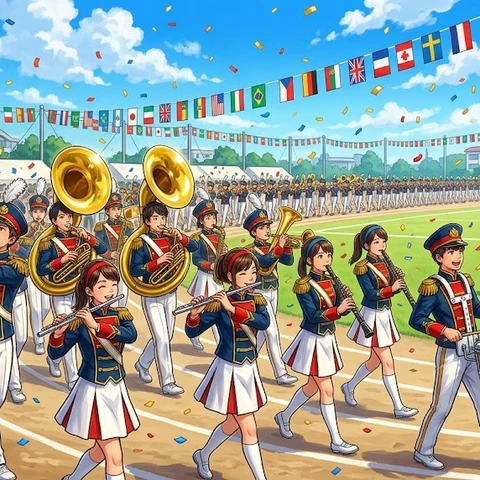
栄光のファンファーレ・マーチ
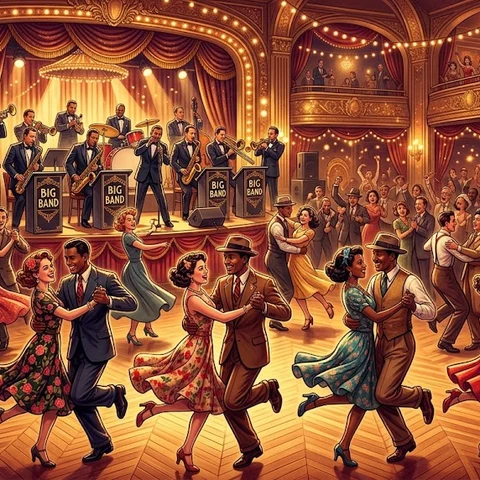
ハッピー・スウィング・パレード

Terms of use for the assets
- Free
- No registration
- Commercial use OK
- Edits OK
- Credit optional
- No usage report needed
See the terms of use for details.
Related articles
- Live Stream Waiting Screen & Break Music: How to Set a Mood That Makes People Want to Stay
- What Makes Good Study and Work BGM: Sound Traits That Won't Break Your Focus (and How to Choose)
- How to Add BGM to Podcasts and Radio-Style Streams: Opening, Ending, and Under Talk
- How to Play Free BGM in Shops and at Events: Cafes, Salons, Exhibitions and School Festivals