



How to Choose BGM by Video Genre: Vlogs, Explainers, Gaming, Cooking & Shorts
The same footage can feel completely different depending on the background music playing under it. In this article, we go through common video genres, explain what kind of BGM suits each one, and recommend tracks from Otomusu.
3 Basics of Choosing BGM
Before getting into genres, let’s cover the basics that apply to every video.
- Match the tempo (BPM) to the speed of your footage … Use faster tracks (BPM 120 or higher) for videos with quick cuts, and slower tracks (BPM 60–90) for laid-back footage.
- If there’s a voice, choose a track whose melody doesn’t compete for attention … Tracks built around piano or guitar accompaniment, Lo-fi and Ambient are less likely to clash with a voice.
- Keep the mood consistent across the whole video … Even if you change tracks within a single video, sticking to the same genre or the same instruments gives it a cohesive feel.
Vlogs (Travel and Daily Life)
The goal of a vlog is to convey the atmosphere of the moment, so light, bright music such as acoustic guitar, bossa nova and Lo-fi works well.
- For footage of the sea or travel, try the refreshing bossa nova track [Seaside Cafe Terrace](/2026/10/12/Seaside Cafe Terrace/).
- For everyday scenes on a rainy day or at a cafe, try the calm Lo-fi track [Cafe on a Rainy Day](/2026/10/12/Cafe on a Rainy Day/).
- For morning routine videos, try the bright piano track [The Morning Begins](/2026/01/19/The Morning Begins/).
Explainer Videos and “Yukkuri”-Style Explainers
In explainer videos, the voice is the star. (A “yukkuri” explainer is a popular Japanese format narrated by synthesized voices.) The BGM only needs to be present enough to fill an awkward silence. Gentle tracks that repeat the same phrase work better than tracks with a prominent melody.
- For trivia and casual explainers, try [Easygoing Stroll](/2026/10/12/Easygoing Stroll/), which has a goofy, playful feel.
- For mystery or scary stories, try [Midnight Abandoned Hospital](/2026/10/12/Midnight Abandoned Hospital/), which quietly stirs up unease.
In an explainer video, limiting yourself to two or three BGM tracks per video makes it easier for viewers to stay focused on the flow of the talk.
Game Streams and Let’s Plays
In game streams, the game’s own audio and the streamer’s voice are already there, so BGM is typically used for the opening, ending and highlights.
- To hype up an opening or highlight, try the fast-tempo EDM track [Future Dash](/2026/10/12/Future Dash/).
- For retro game streams, try the 8-bit-sounding [Adventure of the Pixel Hero](/2026/10/12/Adventure of the Pixel Hero/).
Cooking Videos
In cooking videos, the sounds of cooking (chopping, sizzling) are an important part of the video too. Keep the BGM low and choose a Stylish, bright track such as jazz, bossa nova or light pop, which makes the food look delicious. For a stylish atmosphere, try [Late-Night Piano Bar](/2026/10/12/Late-Night Piano Bar/); for homestyle cooking, [Easygoing Stroll](/2026/10/12/Easygoing Stroll/) is also a good choice.
Short-Form Videos (YouTube Shorts and TikTok)
For videos that run only a few dozen seconds, the trick is to choose a track that sets the mood within the first 1–2 seconds. If a track has a long intro, start from the part where it picks up. In your editing software, cut the track from the middle and add a short fade-out at the end for a natural finish.
Summary
| Video genre | BGM that tends to fit |
|---|---|
| Vlogs and travel | Bossa nova, acoustic, Lo-fi |
| Explainer videos | Gentle piano, Comical, Ambient |
| Game streams | EDM, Rock, Chiptune (for openings and highlights) |
| Cooking videos | Jazz, bossa nova, light pop |
| Horror and mystery | Ambient, Horror |
If you’re unsure, narrow down the mood in All Tracks, then listen to a few and try them against your footage. Once you actually pair a track with your video, you’re sure to find the one that feels just right.
Tracks mentioned in this article
Press ▶ to listen, or open a track to download it for free.
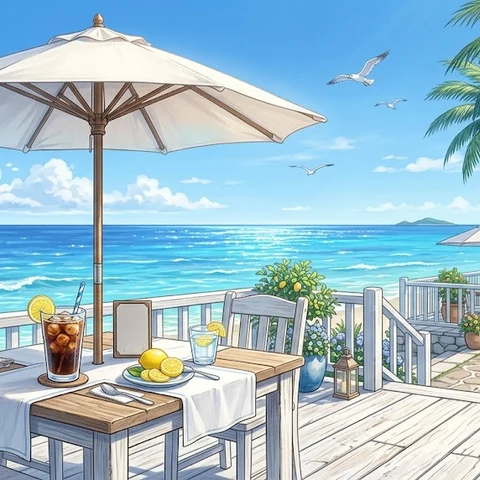
海辺のカフェテラス
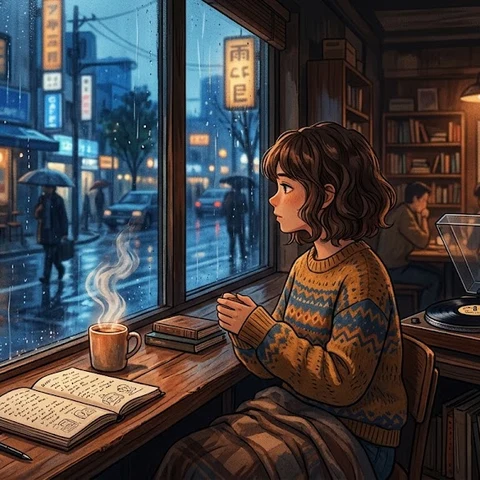

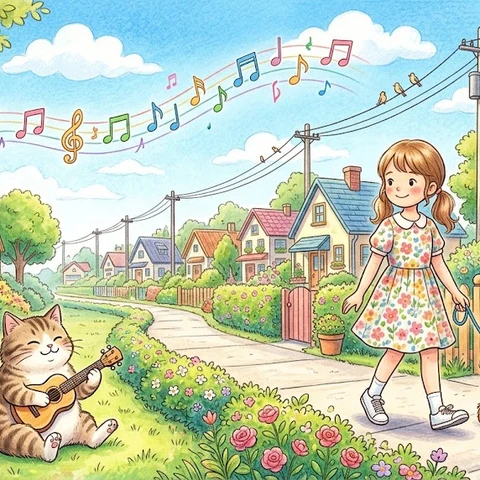

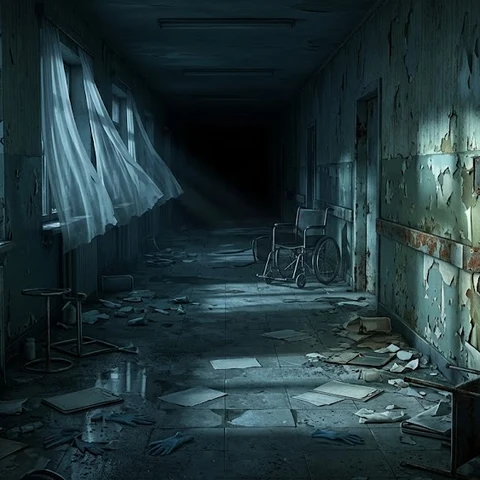
真夜中の廃病院
Terms of use for the assets
- Free
- No registration
- Commercial use OK
- Edits OK
- Credit optional
- No usage report needed
See the terms of use for details.
Related articles
- How to Add Sound Effects to Video: Scene Transitions, Emphasis and On-Screen Text
- How to Find Music and Pixel Art for Seasonal and Holiday Videos: Spring, Summer, Autumn, Winter, Christmas and New Year
- How to Choose Opening BGM for Your Videos: Hook Viewers in the First 5–10 Seconds
- How to Add BGM in Video Editing Software: Audio Track Basics (DaVinci Resolve, Premiere Pro, CapCut)