



How to Play BGM on Live Streams: OBS, YouTube Live & Twitch Settings and Tips
Just adding BGM can improve the whole feel of a live stream: your waiting screen holds together better, and casual chat streams sound livelier. Using the streaming software “OBS Studio” as an example, this article shows you how to play BGM and covers the points that are unique to live streaming.
1. Playing BGM in OBS Studio
- Save the MP3 file you downloaded in a folder that’s easy to find.
- In OBS, click the “+” under “Sources” and add a “Media Source”.
- Check “Local File” and choose your MP3 file.
- Check “Loop” to make the track repeat.
If you want to play several tracks in order, use the “VLC Video Source”, which can play the tracks in a folder as a playlist (this requires VLC media player to be installed).
2. Balancing Your Voice and the BGM
The most important thing in a stream is that viewers can hear your voice clearly.
- Rule of thumb: In OBS’s Audio Mixer, set the BGM to around -25 to -30 dB and your voice to around -10 dB.
- Automatic lowering: Add a “Compressor” filter to the BGM source and set your microphone as the “Sidechain/Ducking Source”. The BGM will then automatically get quieter only while you’re speaking.
- Always check: Before going live, make a test recording and listen to how it actually sounds with earphones.
Even when the BGM sounds quiet to you as the streamer, it often sounds surprisingly loud to viewers. Setting it so it feels “a little too quiet” is often just right.
3. Choosing BGM for Each Type of Stream
| Scene | Fitting BGM | Recommended |
|---|---|---|
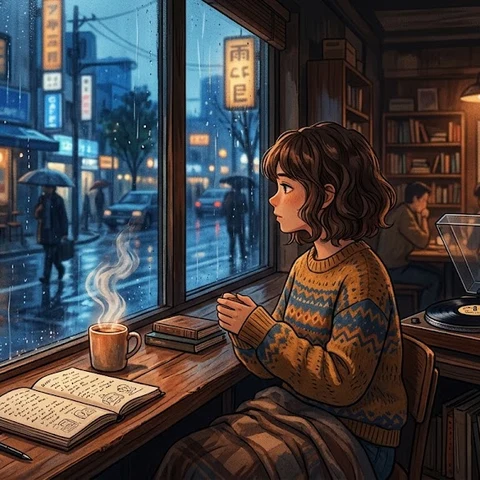
| Waiting screen before the stream starts | Bright, light tracks; lo-fi | [Cafe on a Rainy Day](/2026/10/12/Cafe on a Rainy Day/) |
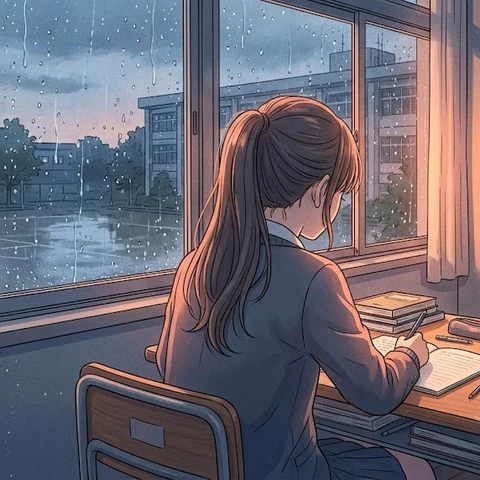
| Chatting / work streams | Calm tracks that don’t draw too much attention | [After-School Study Room](/2026/10/12/After-School Study Room/) |
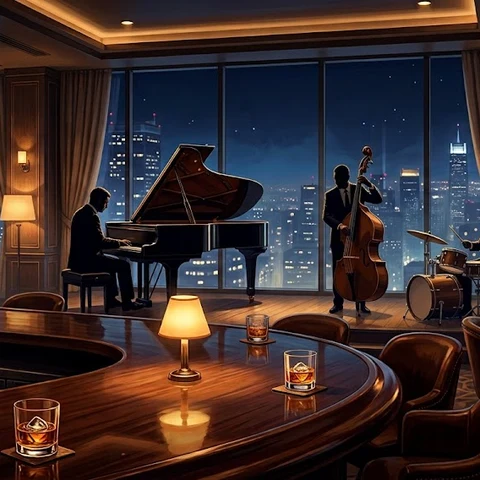
| Late-night chat / drinking streams | Stylish jazz | [Late-Night Piano Bar](/2026/10/12/Late-Night Piano Bar/) |
| Opening of a game stream | Fast-tempo tracks | [Future Dash](/2026/10/12/Future Dash/) |
During a game stream, the game’s audio and the BGM can overlap and get noisy. We recommend stopping the BGM or turning it down quite low while you play.
4. Copyright Considerations
If you play commercial songs, or music from anime or games, on a stream without permission, the stream may be shut down or the archive may be deleted. Using free BGM reduces these worries.
Otomusu’s tracks are:
- Free and require no reporting for use in live streams and archives (recordings)
- Not registered with YouTube’s Content ID (the system that automatically detects copyrighted music)
- OK to use on monetized streams
If you ever receive a copyright claim you don’t recognize, please contact us through the Contact page.
However, streams whose main purpose is simply to play the music (for example, a stream that does nothing but play BGM 24 hours a day) are prohibited, because they count as redistributing the tracks. Please use the music only as “background music” for your stream.
5. Credits in Your Description and Stream Title (Optional)
Crediting is optional, but if you write “BGM: Otomusu (https://otomusu.com/)” in your stream description or panel, it will encourage the site’s administrator.
Summary
- In OBS, you can play BGM with a “Media Source” plus “Loop”.
- Keep the BGM well below your voice. Using ducking makes it even easier to hear.
- Changing tracks for each scene, such as the waiting screen, chat and games, gives your stream a nice rhythm.
Use BGM well and build a comfortable stream.
Tracks mentioned in this article
Press ▶ to listen, or open a track to download it for free.
放課後の自習室

Terms of use for the assets
- Free
- No registration
- Commercial use OK
- Edits OK
- Credit optional
- No usage report needed
See the terms of use for details.
Related articles
- Live Stream Waiting Screen & Break Music: How to Set a Mood That Makes People Want to Stay
- What Makes Good Study and Work BGM: Sound Traits That Won't Break Your Focus (and How to Choose)
- Choosing BGM for School Events, Recitals and Sports Days: Best Genres and Tips for Each Moment
- How to Add BGM to Podcasts and Radio-Style Streams: Opening, Ending, and Under Talk