



Game Title Screen, Ending & Game Over Music: Roles and How to Choose
After finishing a game, many people find that the music they remember most isn’t from the middle of the adventure, but the title screen and ending themes. The tracks that play when you first launch a game and when you finish it shape the impression of the whole work.
In How to Choose BGM for Each Game Scene, we covered music for every scene. In this article, we’ll focus on the “entrance” and “exit” of a game and look in detail at the role of each track and how to choose it.
Title Screen BGM
Role
The title screen music tells the player “what kind of game this is” right from the start. Players often sit on this screen for a while, so it’s also important that the track never gets tiresome, no matter how many times it plays.
Tips for Choosing
- Match the game’s world: excitement for an adventure, unease for horror, a calm atmosphere for a puzzle game
- Choose a track whose end connects smoothly to its beginning, since it will loop: the title screen plays until the player presses a button (we explain how to build loops in Tips for Looping BGM Cleanly)
- Keep the volume modest: it will overlap with the options screen and sound effects, so set it at a level that doesn’t drown out other sounds
- Make the melody memorable: as the game’s theme, reusing the same melody later in the main game and the ending gives the whole work a sense of unity
For example, a bright, energetic game suits a retro-game-style track like “Adventure of the Pixel Hero.”
A Short Track After Pressing “New Game”
When the game moves from the title screen into the main game, a short track (a jingle) helps switch the mood.
- Length: about 2 to 5 seconds
- Make the ending connect naturally to the next scene’s BGM
- The game works without it, but adding one gives players a sense that “it has begun”
Ending and Credits BGM
Role
The ending track creates time to look back on the adventure. It’s an important scene that lets the player enjoy a sense of accomplishment.
Tips for Choosing
- Match the track’s length to the credits: if the credits run 2 minutes, choose a track of 2 minutes or more. If you join several short tracks together, pick ones whose seams are hard to notice
- Choose a track that doesn’t loop and ends quietly: a clear ending leaves a lingering afterglow
- Reuse a track from earlier in the game in a slower form: when the melody of the title or final boss theme returns in a quiet arrangement, the story feels connected
- Don’t push the emotion too hard: for a game with a cheerful ending, a track that isn’t too sentimental can sometimes fit better
If you want a wistful mood, a quiet track like “Save Point Under the Moon” is an option; if you want to close the story with the sound of a bell, a track like “Bell of Farewell” works well.
Game Over BGM
Role
A game over track should tell the player they’ve failed while not pushing them away.
Tips for Choosing
- Keep it short, about 5 to 10 seconds: if it’s too long, it dampens the player’s desire to try again
- Not too dark: even if it’s a sad track, choose one that isn’t too heavy
- Design it so the “Retry” button can be pressed right away: if players can’t act until the music finishes, it becomes a source of frustration
In a small game, you can also skip music and use just a short sound effect.
Stage Clear and Victory Jingles
- Length: about 3 to 8 seconds
- Bright and clearly finished (the last note is held, then stops)
- End decisively rather than fading out, so the previous track doesn’t linger and overlap when the next screen appears
Music Flow Before and After a Boss Fight
In a game with a story, the flow of music before and after the final battle matters too.
- Just before the final battle: an ominous, tense track (for example, something like “The Eve of the Final Battle,” with an atmosphere that foreshadows the showdown)
- The battle: a fast-paced, exciting track
- A short victory jingle
- Ending: a quiet track with a lingering afterglow
When this flow connects naturally, the player’s emotions are carried along smoothly.
Checks After You’ve Made It
- Can you leave the title screen running for several minutes without your ears getting tired?
- Can the ending finish in time with the end of the credits?
- Is the game over track not too long, and does it avoid dampening the urge to try again?
- Does the sound avoid cutting off abruptly at track transitions?
- Did you check the usage conditions of the tracks you use (such as credit notation) in the Terms of Use?
Summary
- For the title screen, choose a track that loops and doesn’t get boring
- For the ending, match the length and finish quietly
- For game over, use a short track that isn’t too heavy
- Build the whole flow of music around the emotions of the story
Start by dropping in temporary tracks for just the first and last scenes of your own game. Once the entrance and exit music are settled, the impression of the whole game comes together much more strongly.
Tracks mentioned in this article
Press ▶ to listen, or open a track to download it for free.
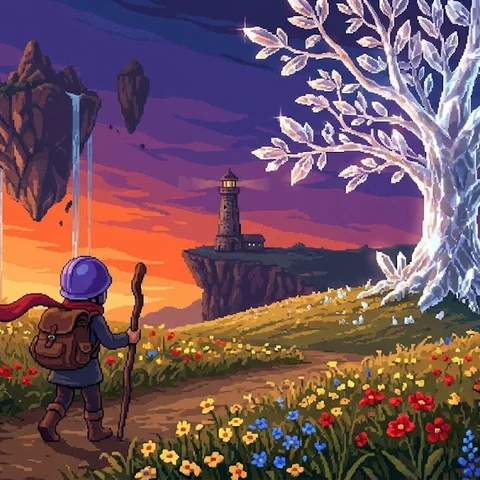
ピクセル勇者の冒険
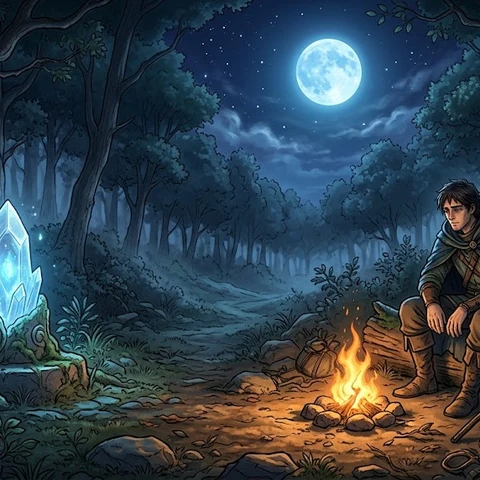
月下のセーブポイント
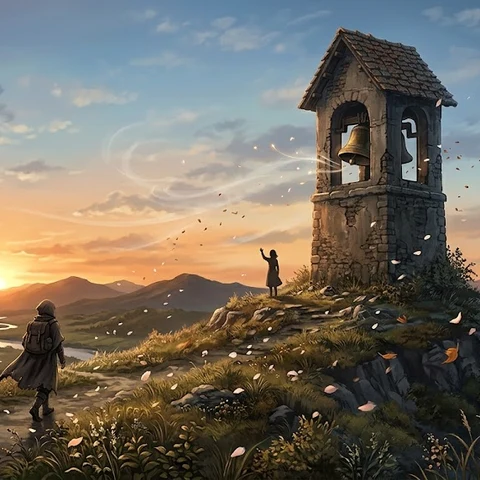
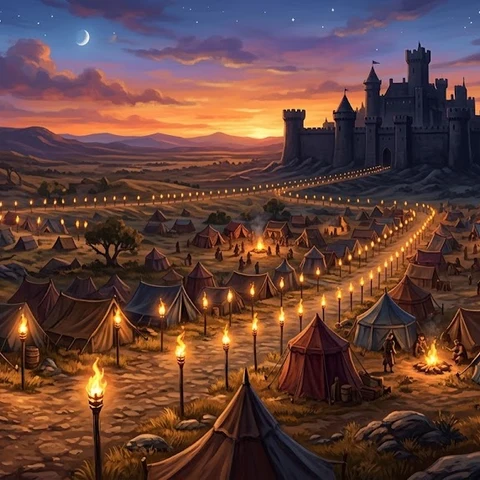
最後の決戦前夜
Terms of use for the assets
- Free
- No registration
- Commercial use OK
- Edits OK
- Credit optional
- No usage report needed
See the terms of use for details.
Related articles
- How to Make a Mini Game: A 7-Step Solo Dev Guide from Idea to Release
- Sound Effect Types and How to Choose: Confirm, Attack, Heal and Fail Sounds for Games and Videos
- Indie Game Asset Checklist: How to Collect and Manage BGM, Images and Sound Effects
- How to Choose and Make Game Sound Effects: Keep Them Short, Don't Stack Too Many, and Match the BGM