



Pixel artGIF MakerAnimate an image into a GIF (free)
Just choose an image and a motion to A free GIF maker for creating GIF animations. Give pixel art motions such as wobble, jump, walk, attack and explode 60 motions to turn it into an animated GIF. Works on PCs and phones, with no installation or registration.images are never sent to a server — they're processed only inside your browser will happen.
1. Choose an image
Choose from Otomusu pixel art assets
2. Choose a motion
Advanced settings
A GIF frame can have up to 256 colors. Turning on dithering makes color transitions smoother and keeps photo quality (at the cost of a larger file).
3. Preview & save
Choose an image and the motion will appear here
Please use the saved GIF according to the terms of the original image. If you animated an Otomusu asset, within Otomusu's Terms of use, you can use it in games, videos, social media and more for free.
Examples of GIF animations made with this GIF Maker
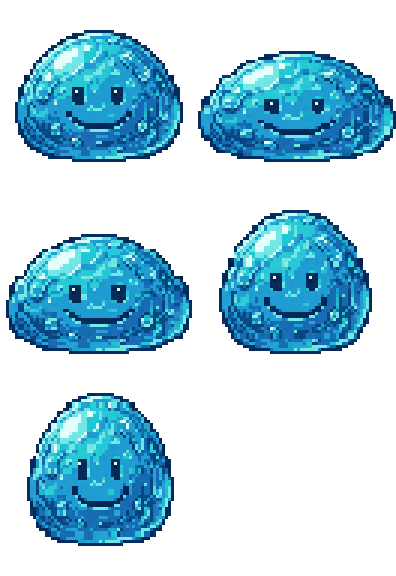
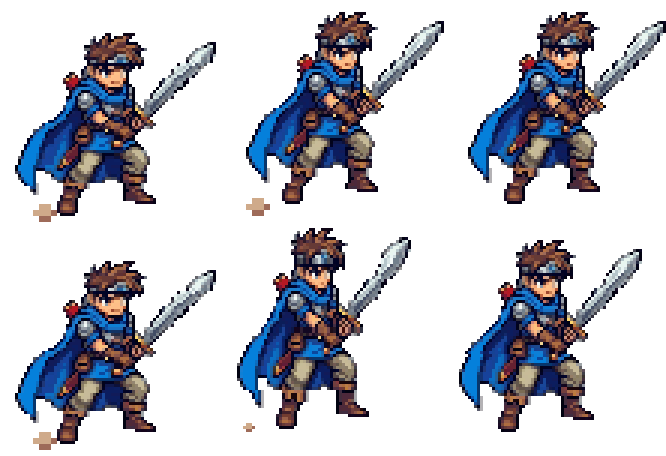
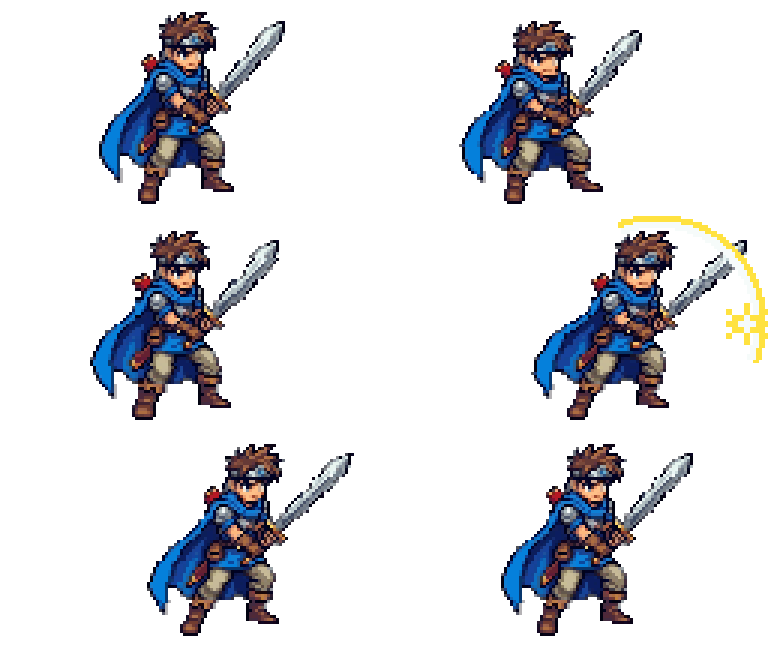
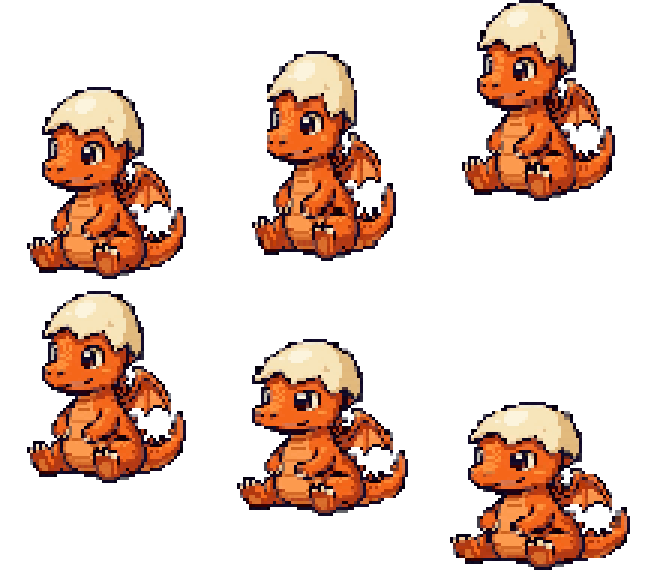
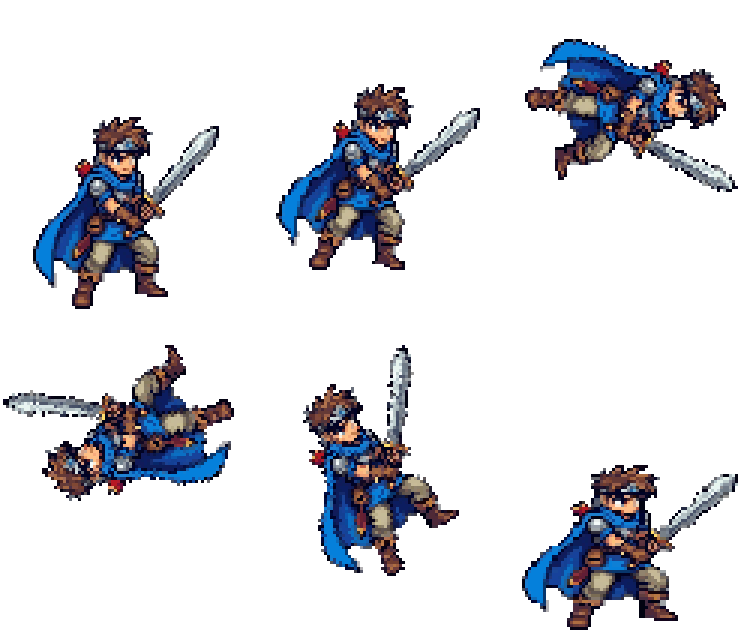
The samples below are all GIFs made with this tool (the characters are Otomusu assets and ones made with "Pixel Character Maker").
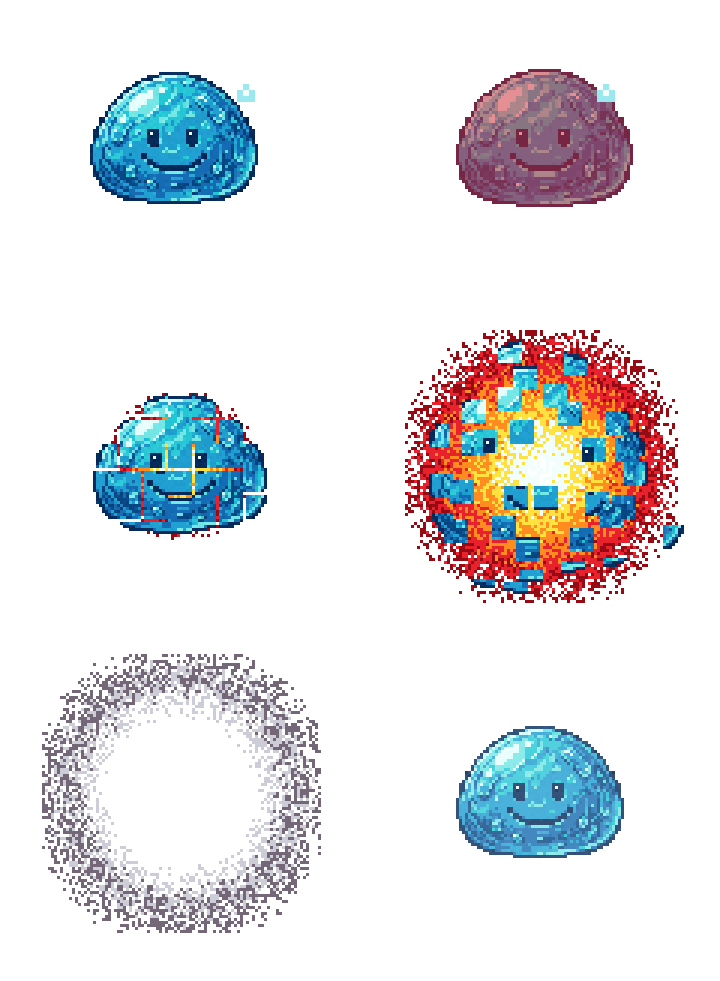
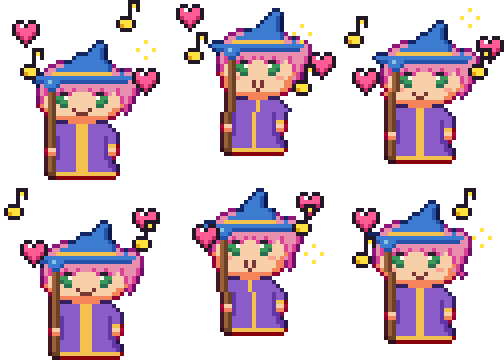
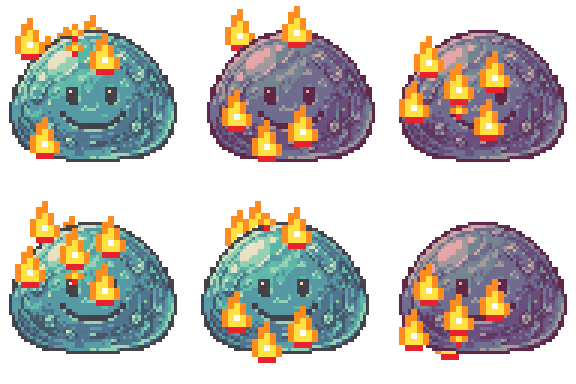
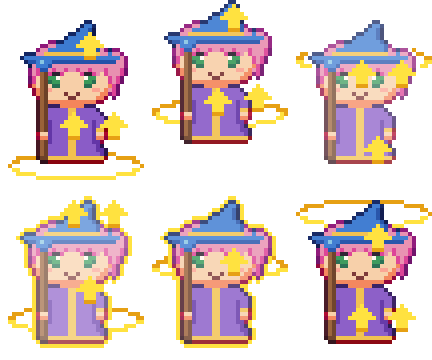
How to make a GIF animation (usage)
- Choose the pixel art image you want to animate (your own image or an Otomusu asset is fine).
- From "Motion", choose from 60 kinds such as wobble, jump, walk, attack, explode, level up and burn. Choosing one sets the frame count and speed to recommended values for that motion.
- Adjust the motion's strength, direction and speed while watching the preview.
- Press "Save GIF" to download the animated GIF. For game sprites, you can also save a PNG with the frames lined up horizontally (a sprite sheet).
Tips for a clean result
- PNG with transparent background or Single-color background only image is used, only the character moves cleanly.
- For enlarged pixel art, the dot size is detected automatically and it moves one dot at a time (the dots stay intact). If detection doesn't work well, set the size of one dot in "Advanced settings".
- A GIF has at most 256 colors. Illustrations with many colors may shift slightly in color.
60 motions you can add
- Basic motions: Wobble, jump, floaty, sway, heartbeat, hop-hop, spin around, spin like a coin, shimmer (underwater, heat haze), Idle pose (breathing), Bounce like a ball, Quick turn
- Actions: Walk, run, attack, guard, take damage, spin jump, land from the sky, dash (afterimages), fall over, bow, Swim, Fly (flapping), Dance, Spin slash, Quick dodge
- Feelings & expressions: Rejoice, cry, get angry, sleep, cower, surprised (!), think (?), in love (hearts), dizzy, Nod, Greeting (wave hello), Sneeze
- Effects: Explode, glow, transform, disappear, appear, warp, invincible (rainbow glow), power up, level up, wrap in an aura, Cast a spell, Invincibility blink, Blast off like a rocket
- Status: Heal, poison, burn, freeze, numbed (shocked), melt
Use it for game character movement, social media icons, stream and blog decorations, LINE sticker-style images and more.
FAQ
- Is it free? Do I need to register?
- It's free, with no registration needed. No logos or watermarks are added to your GIFs.
- Does it work on smartphones?
- Works in iPhone and Android browsers (Safari, Chrome and others). No app installation needed.
- Is my image sent anywhere?
- No. GIFs are made entirely inside your browser, so your image is never sent to Otomusu's servers or any other service.
- Can I make a GIF with a transparent background?
- Yes. Set the background in "Advanced settings" to "Transparent" and you get a GIF with a transparent background (transparent is selected by default).
- Can illustrations and photos that aren't pixel art become GIFs?
- . However, the motions are designed for pixel art, so pixel art looks cleaner. For photos, we recommend turning them into pixel art with the "Photo to Pixel Art" tool first.
- Can I use the GIFs on X (Twitter), Discord, LINE and so on?
- Yes. Use them for social media icons, sticker-style images, stream materials, game characters and more. If you animated Otomusu assets, commercial use is also allowed within the Terms of Use.
- Can I also make sprite sheets for games?
- Yes. "Save PNG with frames side by side" saves an image with all frames lined up in a row.
More free tools
- Pixel Character Maker: choose parts to make an original character, then animate it right in this GIF Maker.
- Convert photos and illustrations to pixel art: turn a photo into pixel art, then make it a GIF animation.
- Pixel art image assets: free pixel art including characters, monsters and items.
- Free
- No registration
- Commercial use OK
- Editing OK
- Credit is optional
- No usage report needed