



Demon Lord: Motion GIF Animations and Sprite Sheet
This is "Demon Lord" from the Fighting Battle game. Download its ten motion GIFs and its sprite sheet. Commercial use is OK, no registration is needed and credit is optional.
Motion GIFs
Transparent-background GIFs, looping. Click Download to save each one.
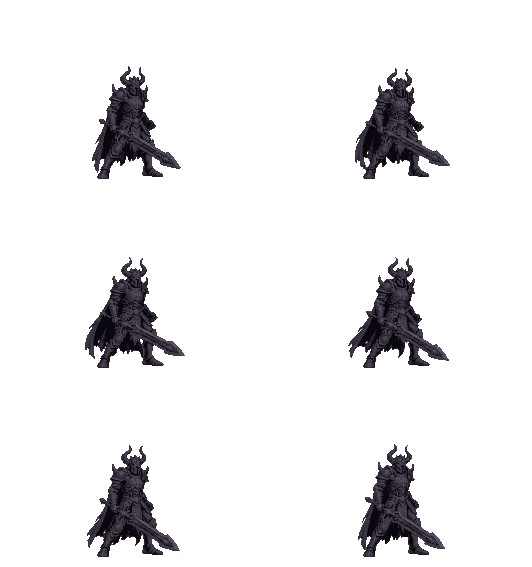
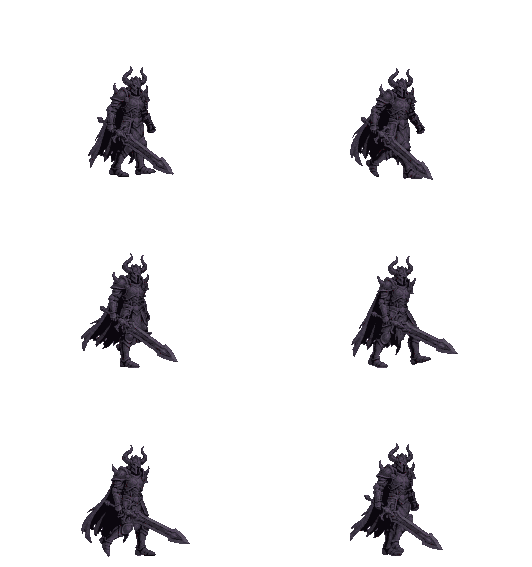
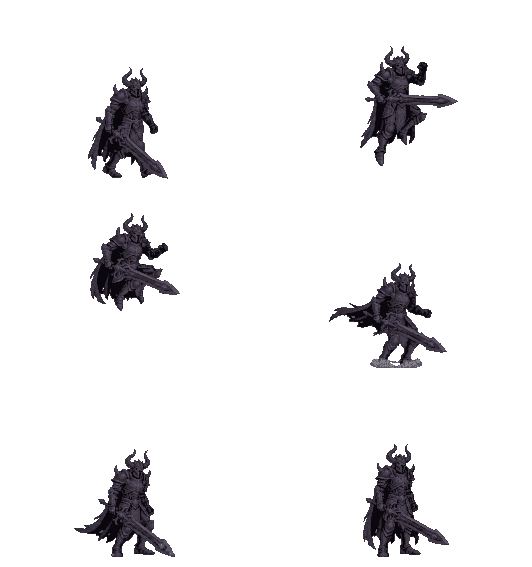
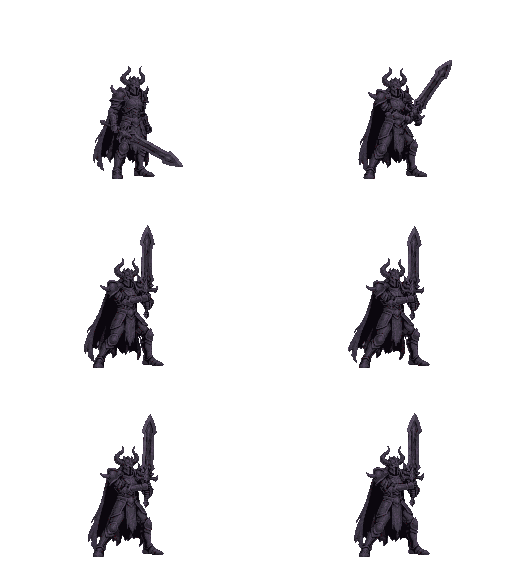
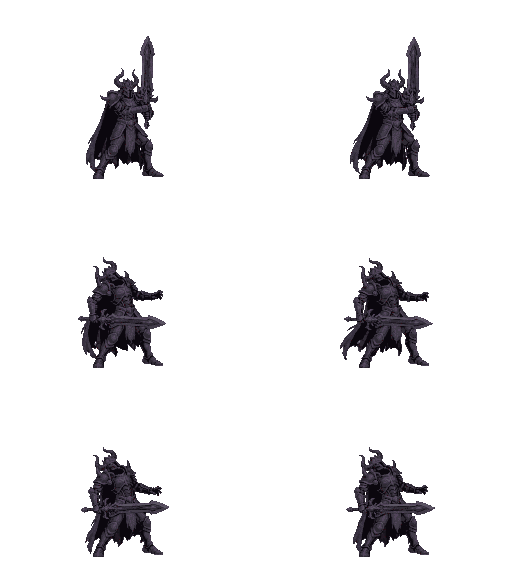
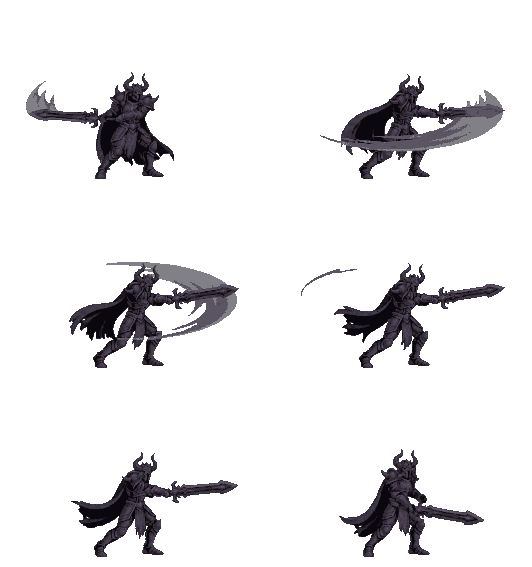
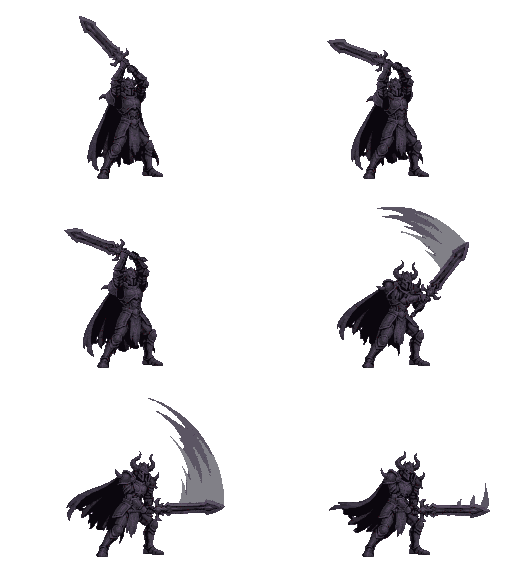
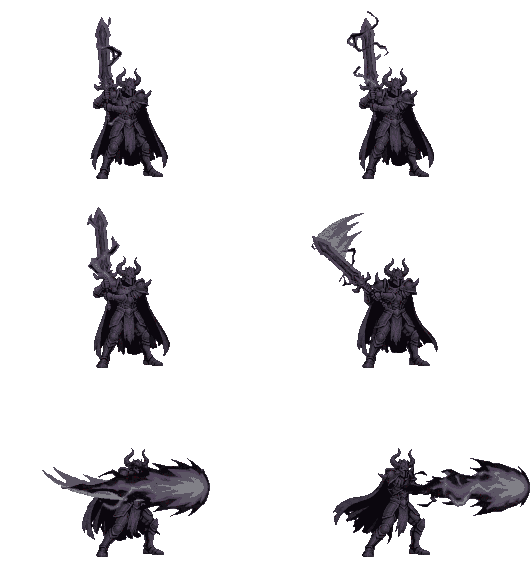
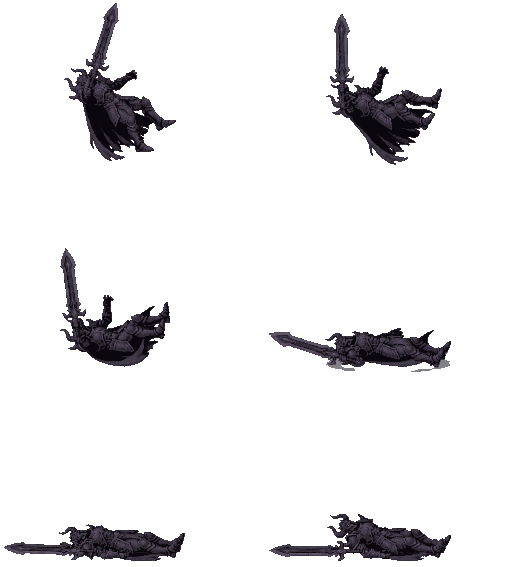
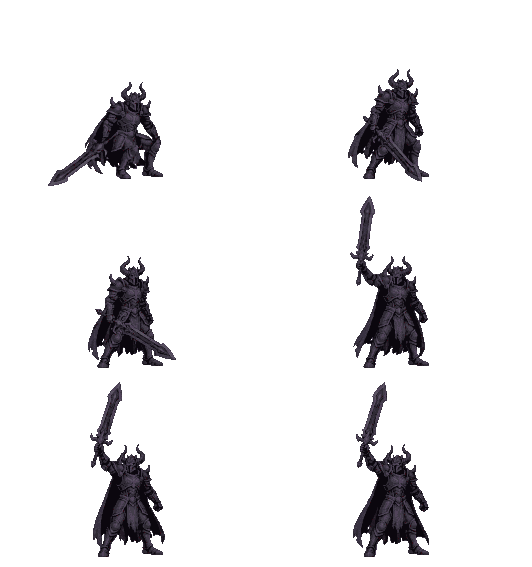
Sprite sheet
The same frames laid out as one PNG sprite sheet (transparent background), for game engines and your own animations.
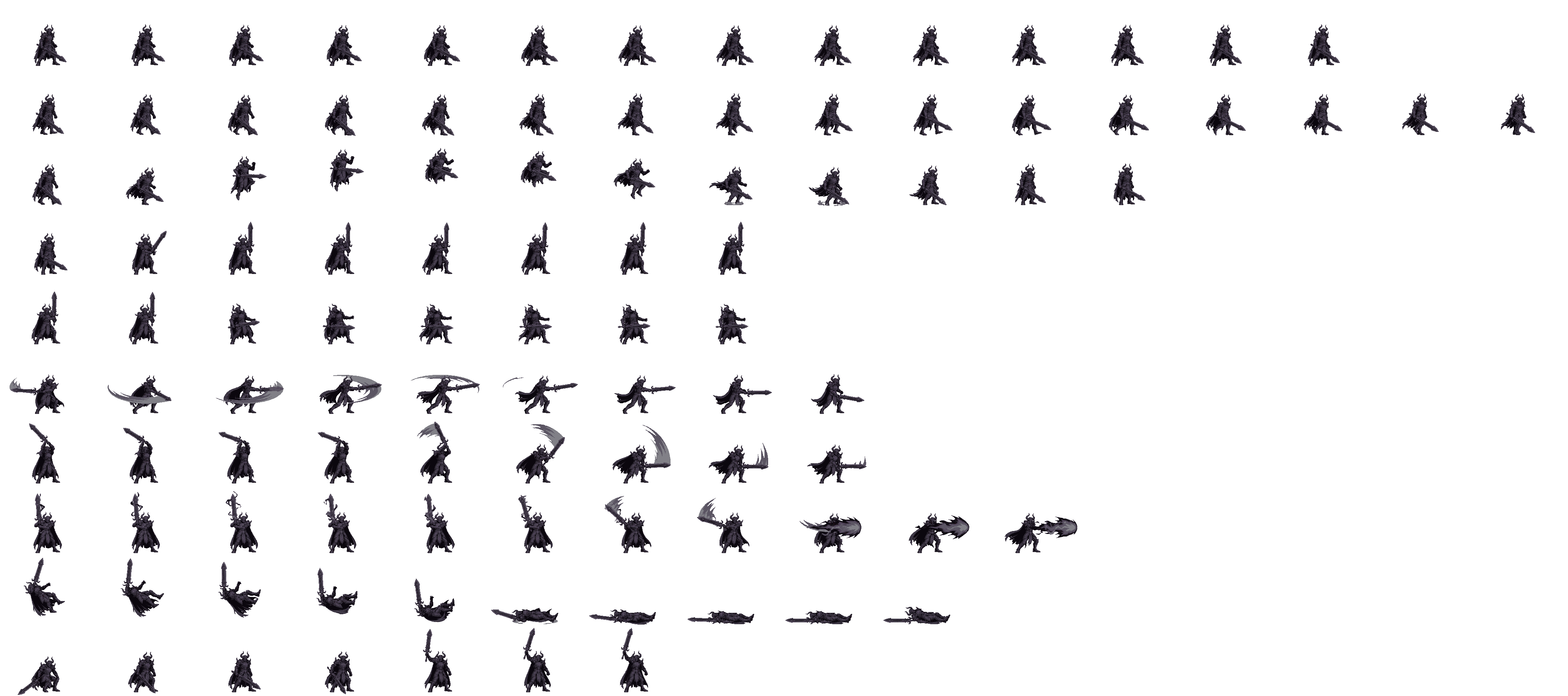
⬇ Download sprite sheet (PNG)(269 KB) Download layout data (JSON)
| Sheet size | 4256 × 1890 px | Frame size | 266 × 189 px |
|---|---|---|---|
| Columns | 16 | Rows | 10 |
Layout (each row is one motion, frames run left to right)
| Row | Motion | Frames | Frame length |
|---|---|---|---|
| 1 | Idle | 14 | 110 ms |
| 2 | Walk | 16 | 80 ms |
| 3 | Jump | 12 | 70 ms |
| 4 | Guard | 8 | 90 ms |
| 5 | Hit | 8 | 70 ms |
| 6 | Attack 1 | 9 | 60 ms |
| 7 | Attack 2 | 9 | 60 ms |
| 8 | Special move | 11 | 70 ms |
| 9 | Knocked out | 10 | 90 ms |
| 10 | Victory | 7 | 100 ms |
How to use it
Cut the sheet into frames of the frame size above, and play the frames of one row in order. A small example with a canvas:
const img = new Image(); img.src = '/materials/sprites/demon.png';
const cw = 266, ch = 189, row = 5, frames = 9, ms = 60;
const ctx = document.querySelector('canvas').getContext('2d');
img.onload = () => setInterval((() => { let i = 0; return () => {
  ctx.clearRect(0, 0, cw, ch);
  ctx.drawImage(img, (i++ % frames) * cw, row * ch, cw, ch, 0, 0, cw, ch);
}; })(), ms);