



How Otomusu Free BGM and Pixel Art Are Made: Our Production Workflow (Behind-the-Scenes Notes)
How are Otomusu’s assets actually made? In this article, the site’s creator, jeid, walks through the real production workflow, including the things that tripped us up. We hope it helps you understand what kind of process stands behind the assets you use.
How a BGM Track Gets Made
1. Planning: Figuring Out Which Tracks Are Missing
First, I list the genres and moods of the tracks already on the site and look for the kinds that are missing. For example, I pick genres we don’t have yet, such as “Celtic-style,” “Funk,” “Brass band March,” or “City Pop.” This keeps the library from filling up with similar-sounding tracks.
2. Generation: Describing the Track in Words and Making Multiple Candidates
I give a generative AI the genre, tempo (BPM), instruments, mood, and song structure, all in words. I never specify a particular song title or artist name. Even with the same instructions, the results differ every time, so I make multiple candidates and listen to them side by side.
3. Selection: Judging by Ear
I listen to the candidates and choose based on one question: “Is this easy to use as BGM?” Tracks whose melody stands out too much, tracks that change too abruptly, and tracks where vocals come in partway through aren’t suited to BGM, so I drop them from consideration.
4. Finishing: Trimming Silence and Smoothing the Fade-Out
Freshly generated tracks have problems like these:
- At the end of the track, there may be a long stretch of silence, followed by a short fragment of sound.
- The ending may be cut off abruptly.
So I check the sound on a waveform (a graph), remove the silence and the stray fragment, and add a 1.2–3 second fade-out. Then I export the track as an MP3 (192 kbps).
5. Description: Writing from Measured Facts
I write each track’s description based on what I actually found by measuring the audio. For example, I measure the tempo with audio analysis, and before I write something like “there’s a break around the X-second mark,” I confirm it on the waveform. The “Audio Analysis” section on each track’s page is based on this measurement data.
6. Cover Art and Publishing
I create cover art that matches the feel of the track, write the track’s page, and publish it to the site. Once it’s live, you can preview and download it from each track’s page.
How Pixel Art Gets Made
- Decide on a theme: For each genre (Animals, food, Vehicles, buildings, and so on), decide what to make.
- Generate: Create images with specified conditions, such as “pixel art style,” “the whole subject fits within the frame,” and “a background color that’s easy to make transparent.” For characters, I specify that the full body must be drawn, from head to feet.
- Finish: Make the background transparent, remove stray isolated dots, and crop the image into a square. I check that the feet aren’t showing through as white.
- Check for white cutouts: I place the image on top of a Dark background and on a vividly colored background, then zoom in to check. I look for white clothes or eyes that were accidentally made transparent, and for white left behind in background areas such as the inside of a ring, and fix them.
- Register: Add a name and genre, and add the image to the site’s assets.
What Tripped Us Up
- Characters resembling famous ones: When I made a princess, she came out looking just like a character from a famous game. Ever since, I always include the instruction “a completely original design.”
- Two characters being drawn: I fixed this by adding a condition to draw only one character, full-body.
- Feet showing through as white: The cause was that the generation tool was also capturing the blurred background of the screen. I fixed how the image is captured, which solved it.
- The music engine crashing: I set it up to restart automatically and regenerate the track.
Summary
- Plan around the genres that are missing, then listen to multiple candidates and choose the best.
- Trim the silence and smooth the fade-out before publishing.
- Write descriptions from measured facts.
- For pixel art, check for white cutouts and for resemblance to existing characters.
For more on my approach to using AI, see also What I Keep in Mind When Publishing Music and Images Made with AI.
Tracks mentioned in this article
Press ▶ to listen, or open a track to download it for free.
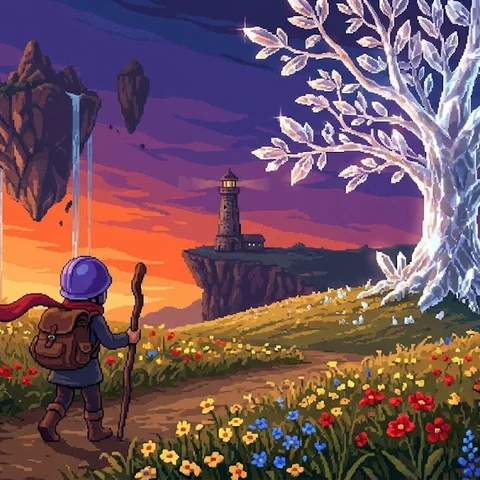
ピクセル勇者の冒険
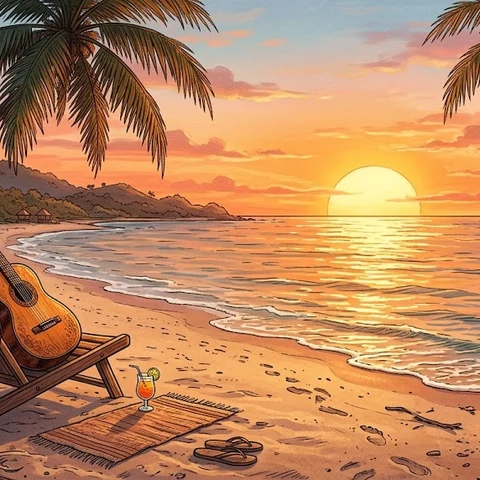
サンセット・ボサ
Terms of use for the assets
- Free
- No registration
- Commercial use OK
- Edits OK
- Credit optional
- No usage report needed
See the terms of use for details.
Related articles
- How to Keep a Record of the BGM and Assets You Use: A Simple Used-Track List So You're Never Stuck Later
- Why I Built Otomusu and Where It's Headed: The Meaning Behind 'Tying Sounds Together'
- Free BGM Commercial Use Checklist: 7 Things to Check Before You Publish
- How Otomusu Publishes AI-Made Music and Pixel Art Responsibly: Our Policy